 EasyMapper Studio
Projection mapping
in your pocket.
EasyMapper Studio turns any normal projector into a projection mapping tool. Warp video or animation onto real surfaces — straight from your iPhone. No laptop, no complex software, no overnight session learning new tools.
- 5.0
- App Store rating
- Premium
- Free trial included
- iOS 15.1+
- Minimum version
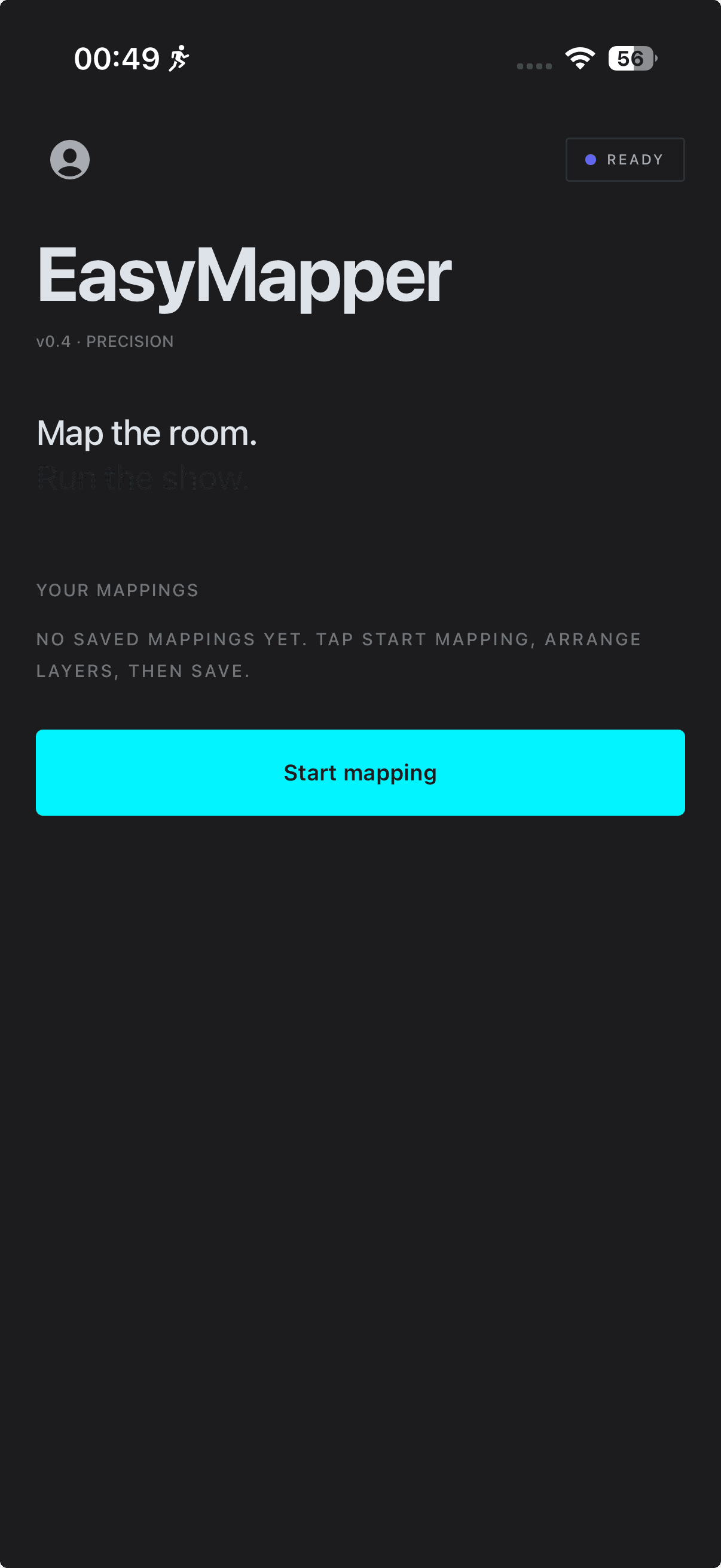
Works with any projector you already own.
Connect over HDMI through a USB-C or Lightning adapter, or skip the cable entirely and send the signal wirelessly with AirPlay. If a projector accepts a normal video input, EasyMapper Studio can drive it.
- HDMI
- USB-C
- Lightning
- AirPlay
- BYO projector
Need a projector?
A short guide and a 30-second survey help you pick a projector that fits your room, your budget, and the surface you want to map.
Open the projector guideHow to connect
The right cable, the right adapter, and the AirPlay fallback — all in one place so your first session is not a parts run.
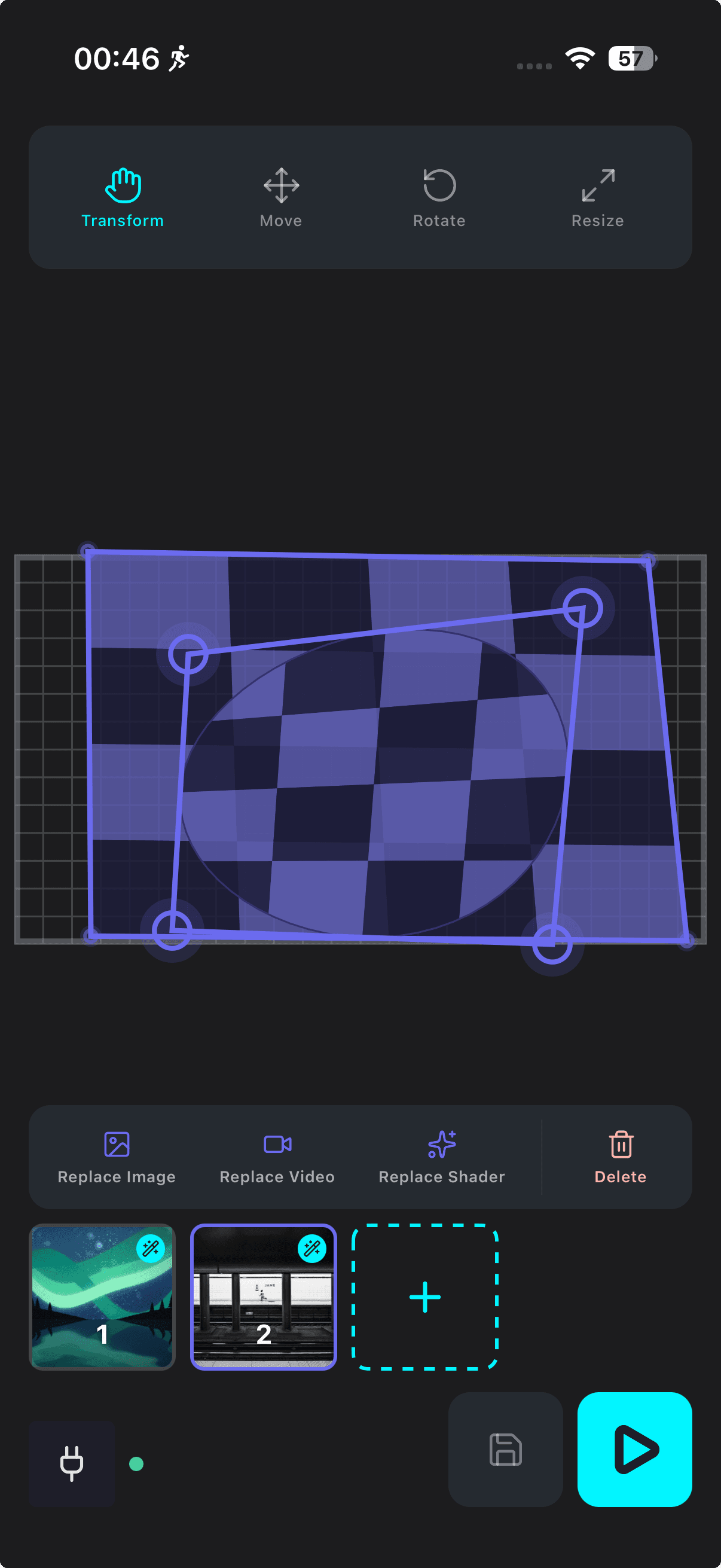
See connection optionsCorner-drag perspective warp
Tap a corner of any layer and drag it to align with your projection surface. Stack multiple layers on the same projection and arrange each one independently — the math is handled.
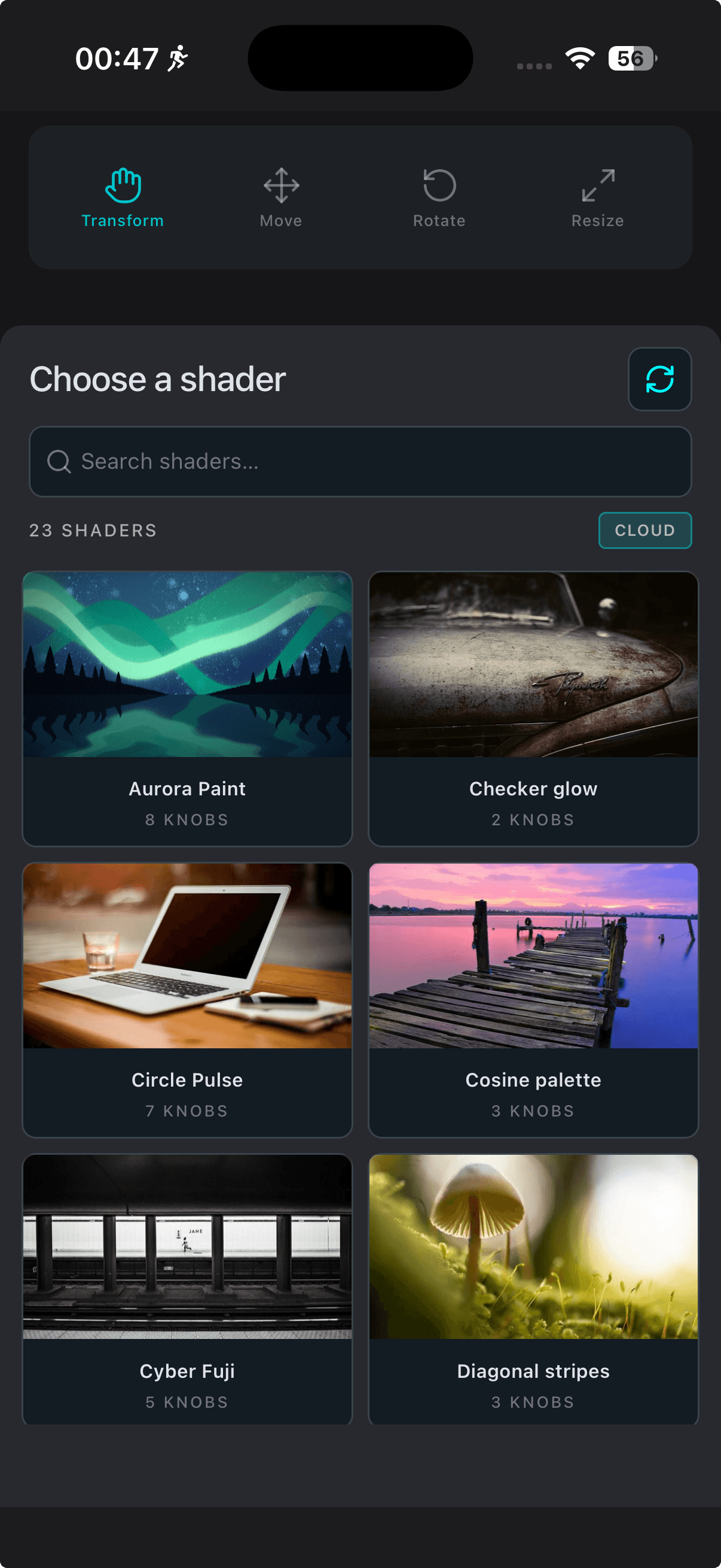
Built-in shader library
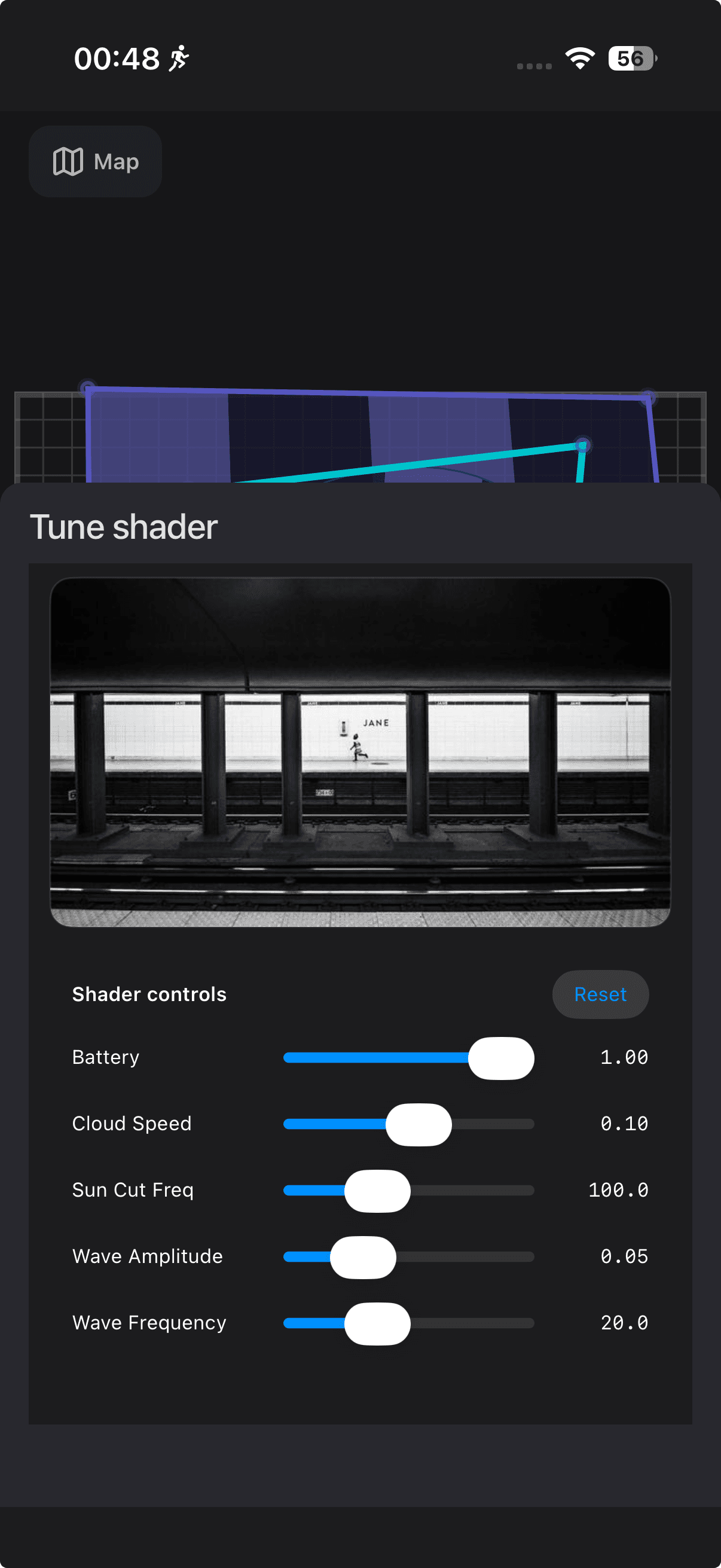
Warp videos or animated shaders onto different layers with optimal performance. Apply shaders to all mapped surfaces at once, duplicate layers, and tune live controls without leaving the editor.
Real-time preview
The editor mirrors what your projector sees. Import photos and videos from your Camera Roll — videos loop automatically — and hit play when it looks right.
See it in action.
Multi-layer editing, live shader controls, and real-time preview — all from your iPhone or iPad.
From install to first mapping in about a minute.
Open the app
Launch EasyMapper Studio on your iPhone or iPad and pick a scene template to start from.
Connect a projector
Plug in via HDMI with an adapter, or mirror wirelessly with AirPlay.
Map and play
Drag corners to fit the surface, drop in shaders, and hit play when it looks right.
Things people ask us first.
Short answers below. The full list lives on the FAQ page.
View the full FAQHi, I'm the maker behind EasyMapper Studio.
I built EasyMapper Studio because every projection mapping tool I tried felt designed for a desk, not a venue. If you have questions, feedback, or a wild request, write to me directly — I read every email.
support@easy-mapper.comTurn the wall behind you into a canvas tonight.
Download EasyMapper Studio, plug in a projector, and you are mapping in minutes.